
Understanding the Framework of Modern Treason Allegations Against Generals
-
News
-
4 minutes ago
Writer
This article was translated by AI. Read the original article on Kompas.com. See Original
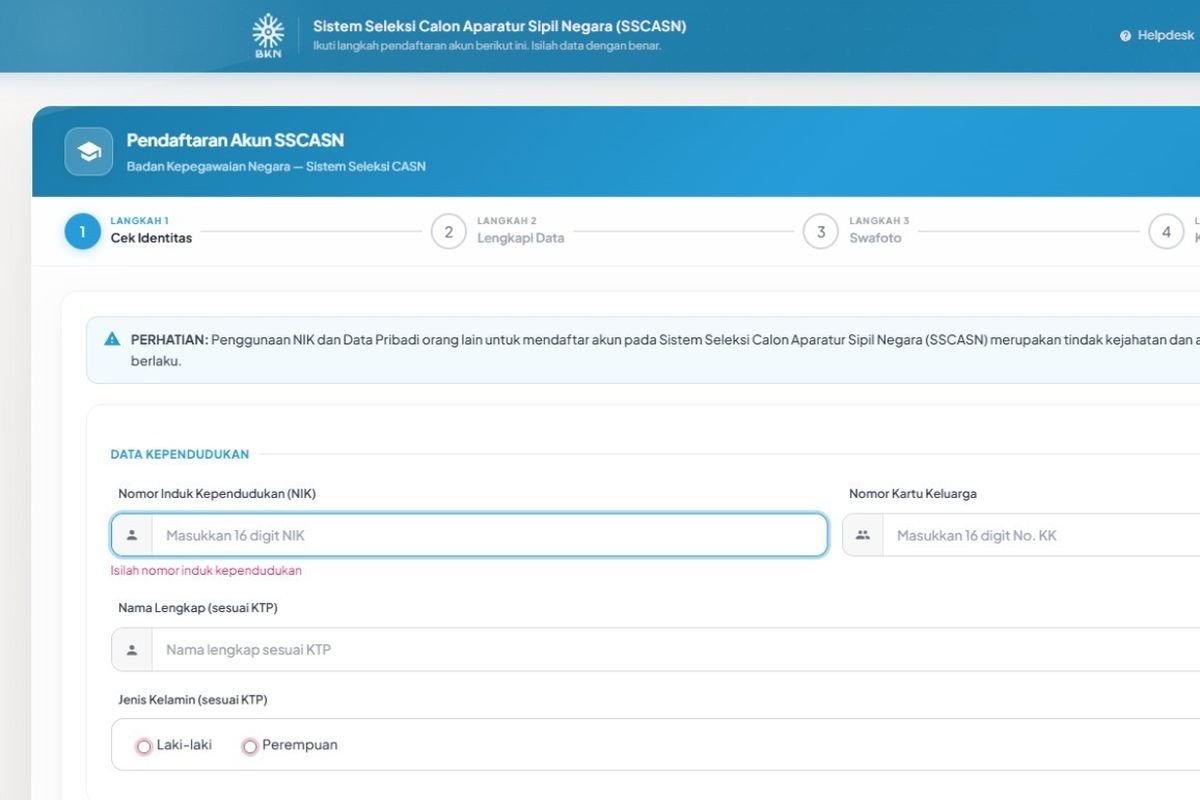
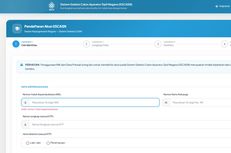
At this stage, applicants will confirm their data and uploaded selfie. It is important to note that after account registration, applicants cannot make changes to data such as their name, place of birth, date of birth, or profile photo.
For the next step, applicants must check the end-user license agreement (EULA) and declare that all information provided is accurate.
Stage 5
In this final stage, the SSCASN website will confirm that the applicant has successfully registered, and each applicant can only register once using the same identification number (NIK).
Applicants are advised to record and keep their registered NIK and password and print their account information card.
Head of BKN Zudan Arif Fakrulloh stated that government employees with work agreements (PPPK) who already have an employee identification number (NIP) can still participate in the CPNS selection for 2026.
"We should also announce that those who hold an NIP from the PPPK or part-time PPPK pathway are allowed to register for the selection now, as per the conditions and regulations in effect," said Zudan.
He added that the government has opened CPNS 2026 registration through the Civil Service Candidate Selection System (SSCASN) portal.
Access to the Computer Assisted Test (CAT) for the selection will be available in 36 BKN offices, plus an additional 107 new locations to facilitate access for CPNS applicants.